Photo-verified checklists
Proof that the work happened, not a claim that it did
Routines completed by a live photo, a reading inside a range, or a written note.
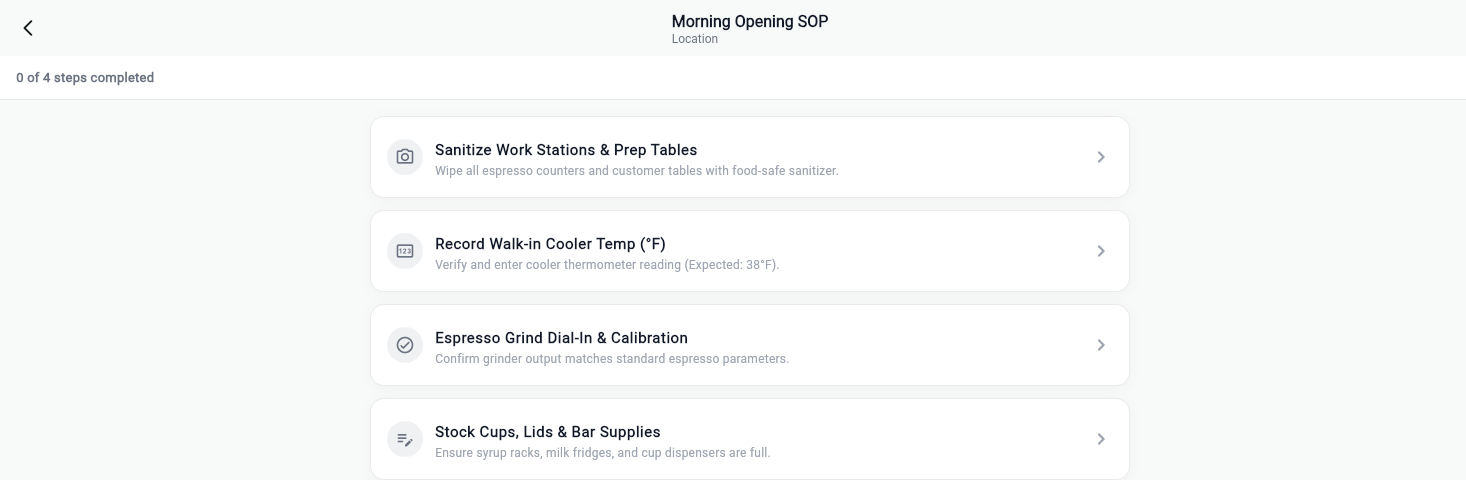
Live camera only, and that is the whole product
The camera opens and the photo library is never reachable. Not discouraged, not a setting. Unreachable. Recording who tapped a box is the number one thing owners tell us they stopped trusting after a month, and this is the rule that replaces it.
- No gallery path anywhere in the capture flow
- Photos timestamped and attributed to the person and the shift
- A golden reference photo shows what finished looks like
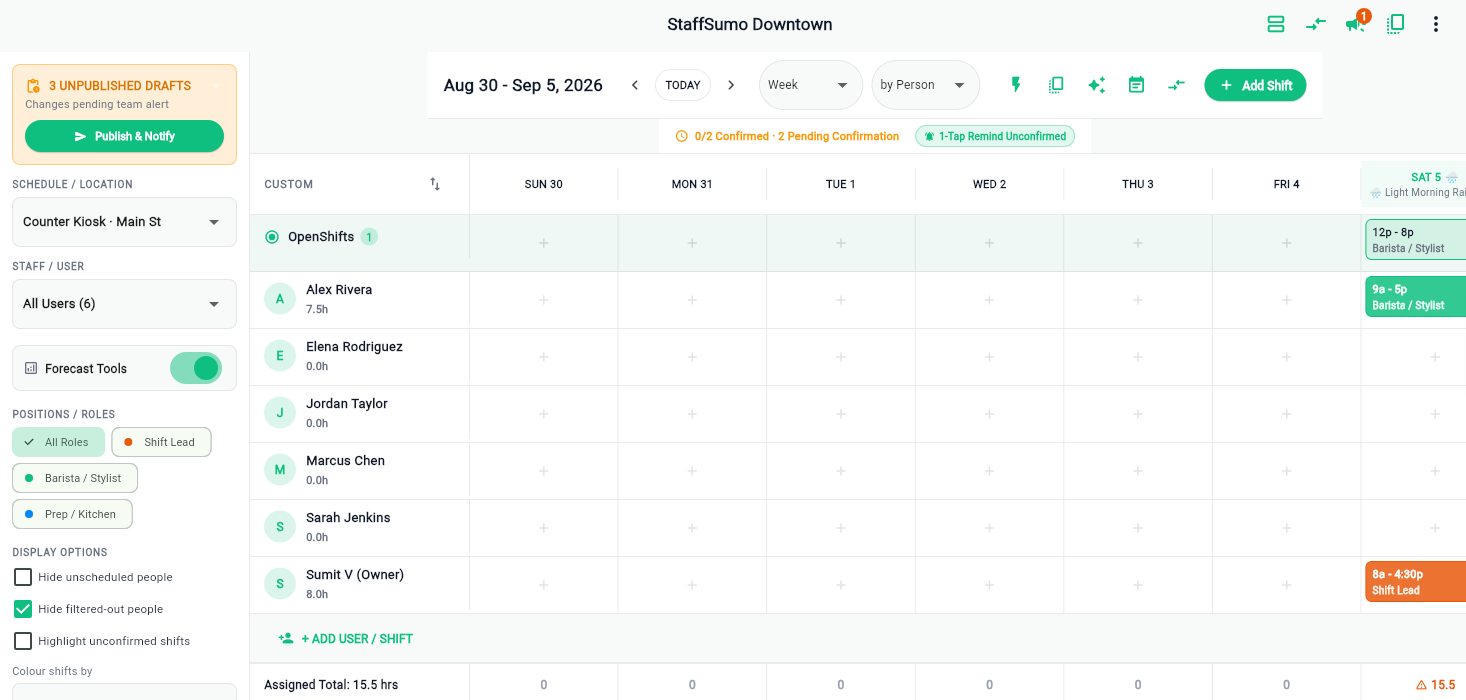
Numbers that have to be in range
A fridge temperature is not a tick. Enter the reading and it is checked against the range you set, so 48°F cannot be filed as fine and nobody has to remember what the threshold was.
- Ranges per item, set once
- Out-of-range entries flagged as they are typed
- Readings kept as data you can look back across
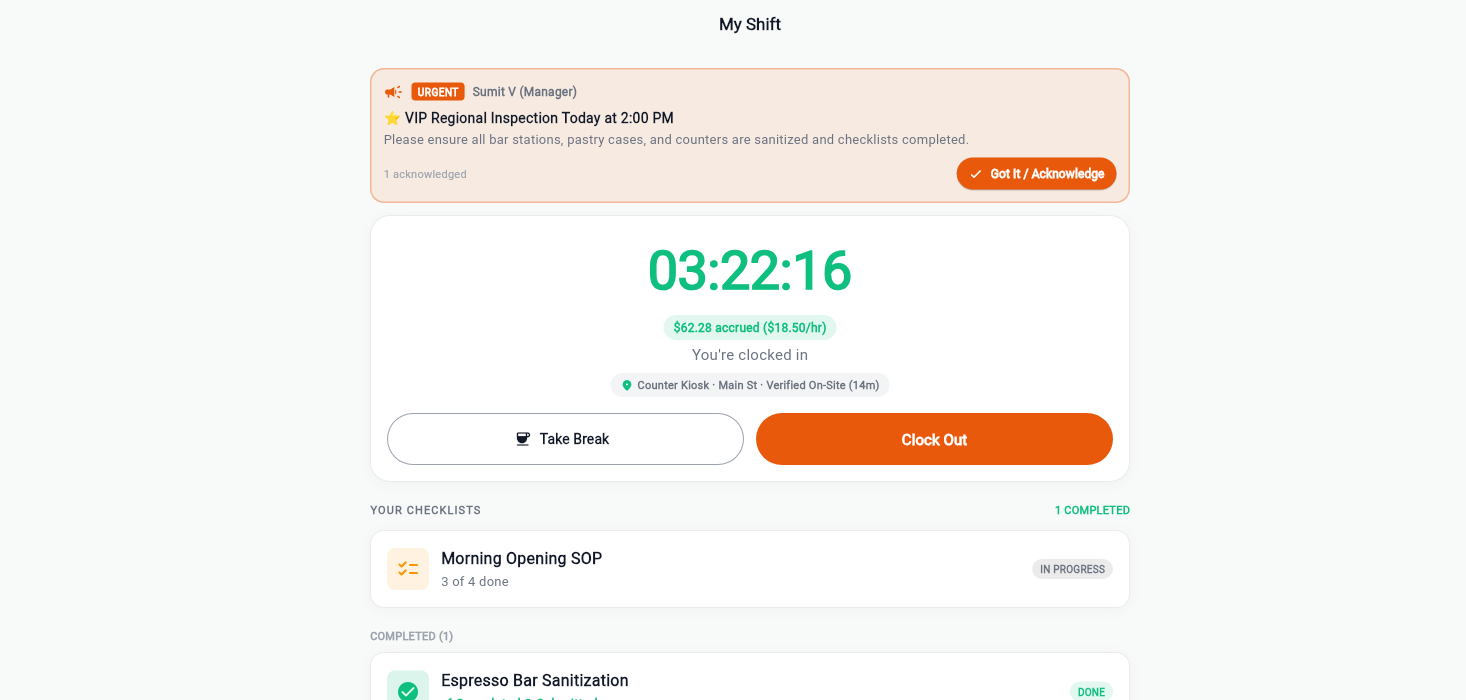
Review, approve, flag, and the person finds out
Everything handed in lands in one queue. Approve it, or flag it with a reason. What is flagged is shown to that person the next time they punch in, which is the moment they can actually do something about it.
- One review queue per location per day
- Flag with a written reason, not a silent rejection
- The employee sees the flag at their next punch-in
Start with one shift this week
Put one opening checklist on one location and see what comes back. Your first month is free, no card up front, and your data leaves with you if it is not for you.