Overtime
See the overtime while you can still change it
Hours accumulate as you build the week, so you spend the fortieth rather than discover it.
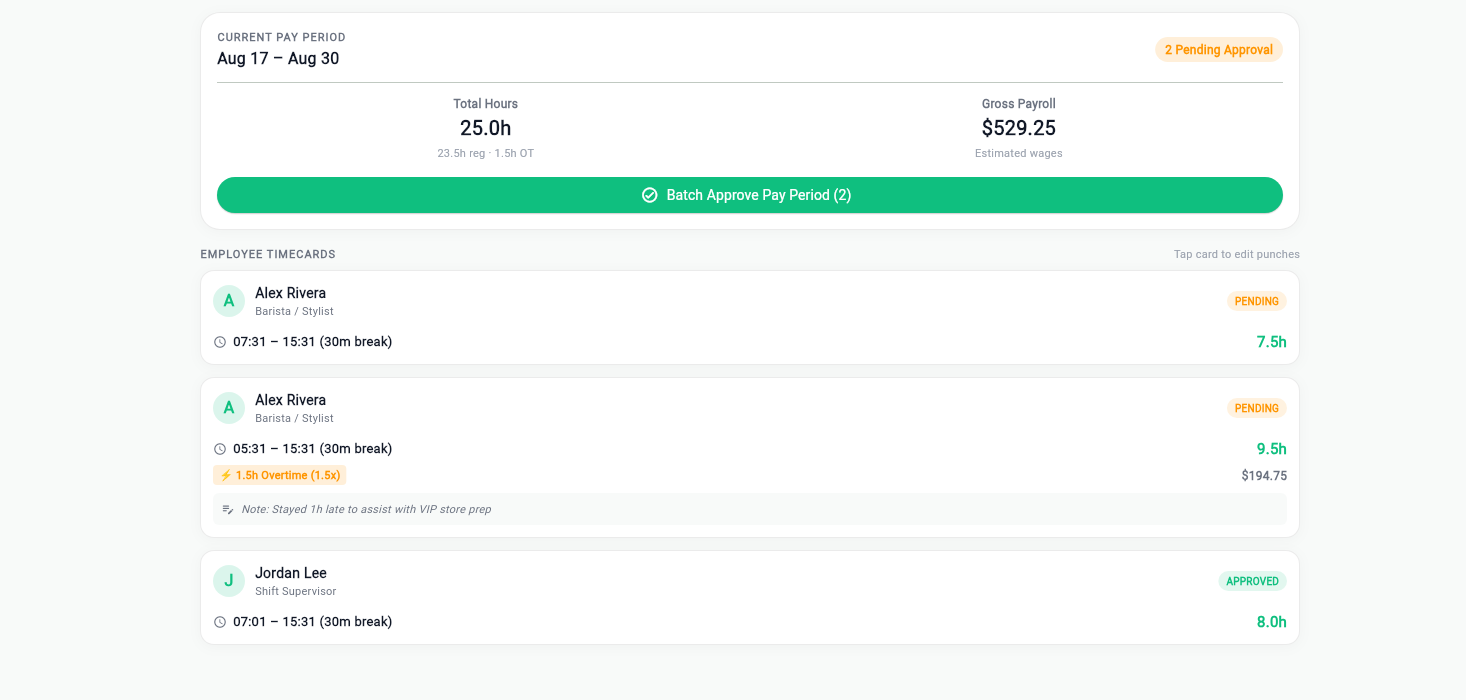
Hours in front of you as you schedule
Each person's assigned hours sit next to their name while you are placing shifts. Going past a threshold is visible at the moment you would do it, not in a report the following Monday.
- Running weekly hours per person
- Daily and weekly totals across the roster
- Overtime visible before publish, not after payroll
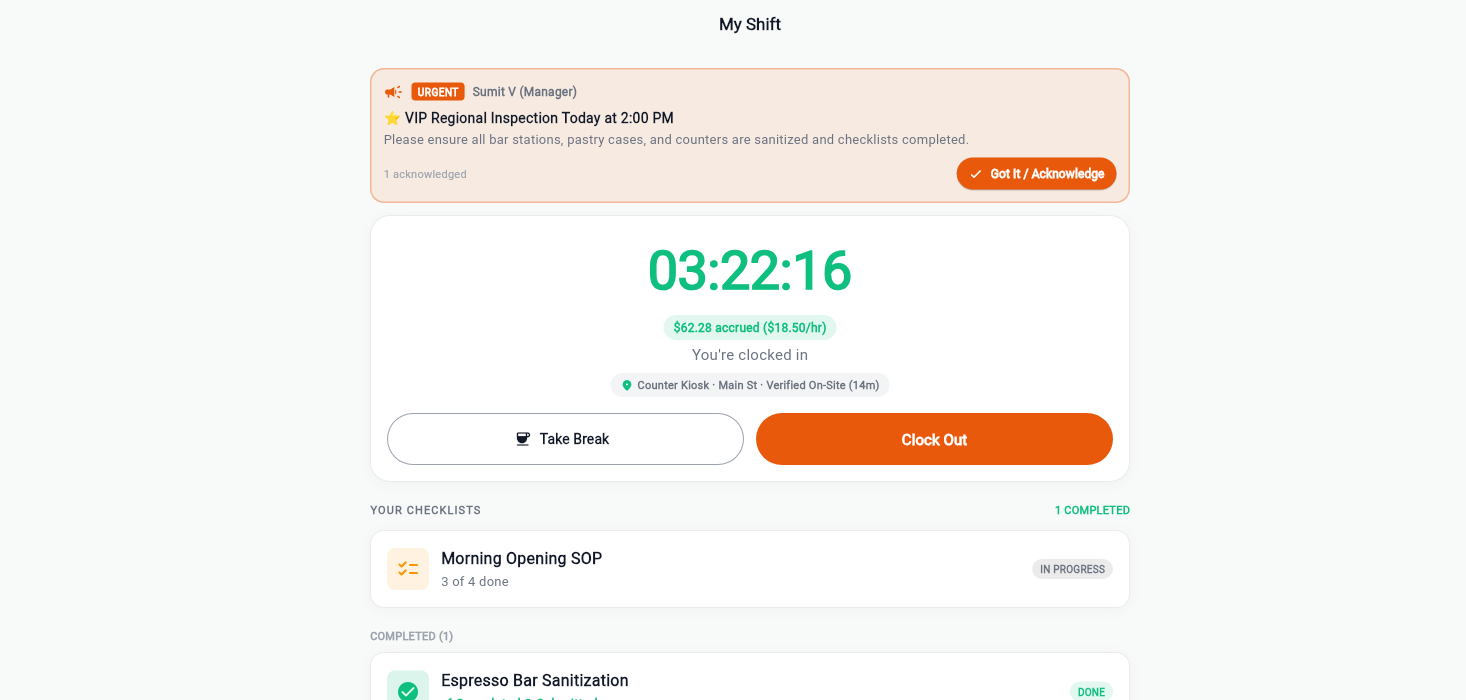
What the shift actually costs
Wage against hours gives a real number per shift and per week, including overtime multipliers where they apply, so a decision about cover is a decision with a price on it.
- Labour cost per shift and per week
- Overtime multipliers applied where the rules require them
- Compare scheduled against worked once the week closes
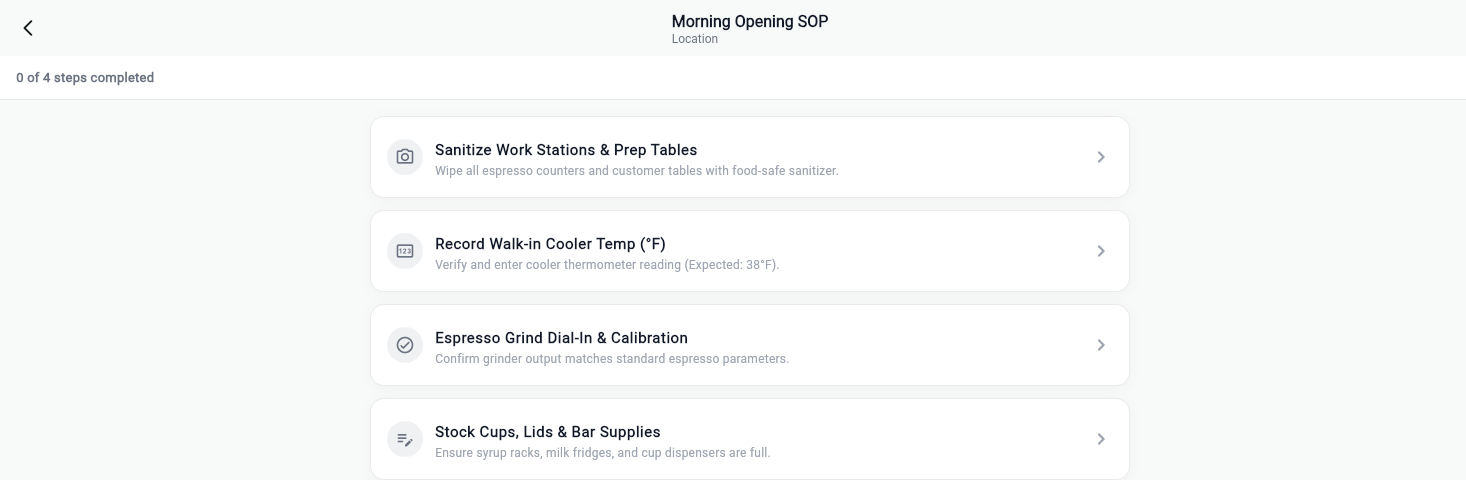
Start with one shift this week
Put one opening checklist on one location and see what comes back. Your first month is free, no card up front, and your data leaves with you if it is not for you.